Difference between revisions of "New Laptop Docs: POST troubleshooting flowchart"
Jump to navigation
Jump to search
| Line 3: | Line 3: | ||
<graphviz> | <graphviz> | ||
| − | + | graph d { | |
| − | rankdir = | + | rankdir = LR |
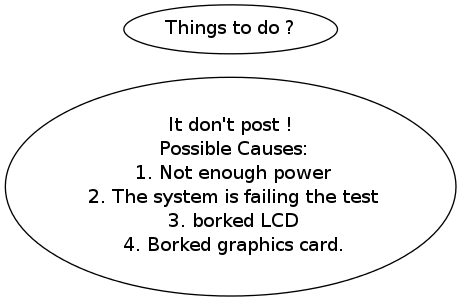
it_dont_post [label="It don't post !\n Possible Causes:\n 1. Not enough power\n 2. The system is failing the test\n 3. borked LCD\n 4. Borked graphics card."] | it_dont_post [label="It don't post !\n Possible Causes:\n 1. Not enough power\n 2. The system is failing the test\n 3. borked LCD\n 4. Borked graphics card."] | ||
| − | + | things_to_do [label="Things to do ?"] | |
| − | it_dont_post -> | + | it_dont_post -> things_to_do |
} | } | ||
</graphviz> | </graphviz> | ||
Revision as of 15:59, 25 February 2012
Teh flowcharts